Portfolio

HM Store

Brand & Visual Design

HM Store

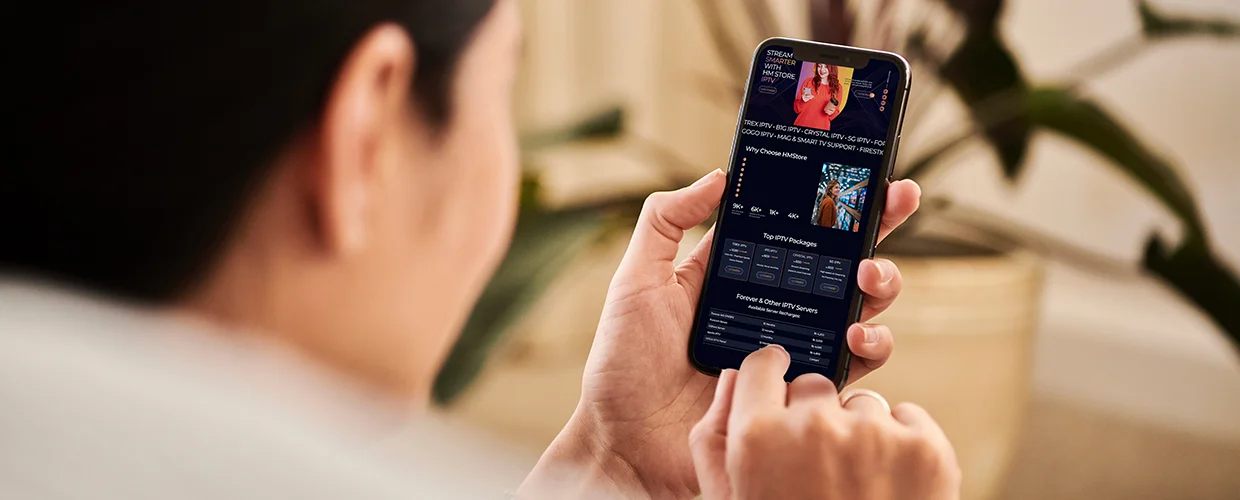
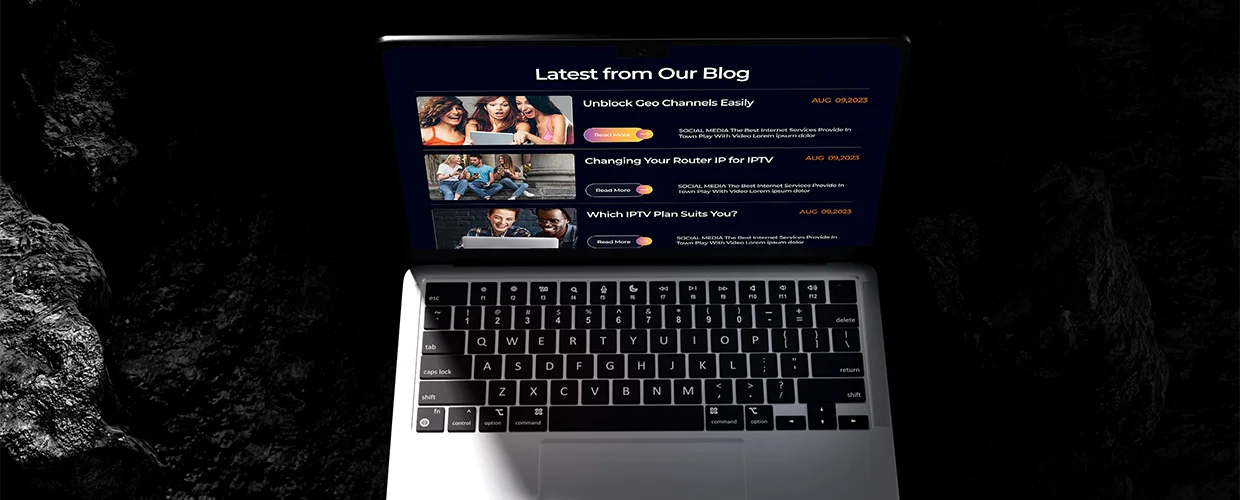
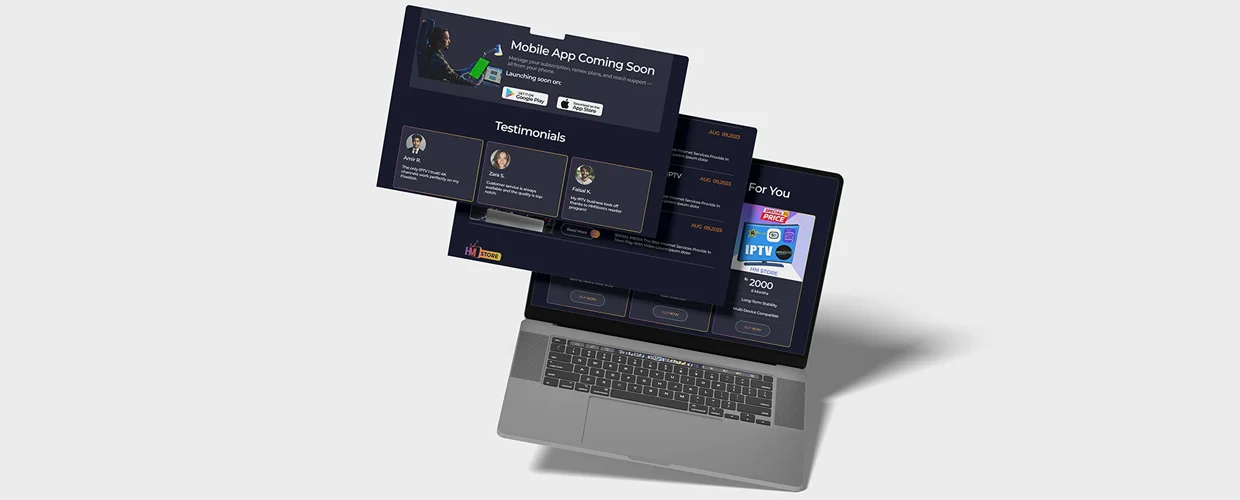
We worked on HM Store to create a polished retail interface built around clarity, visual rhythm, and interaction. The experience combines strong UI structure with microinteractions, iconography, data-led elements, and gesture-based patterns designed to make browsing feel more fluid.

Client

HM Store

Industry

Fashion Retail

Timeline

01

Year

2024
HM Store

Project Overview

Designing a retail interface that feels fast, visual, and easy to explore

HM Store needed a digital interface that could balance product presentation with usability.

The design direction focused on creating a clean visual system while introducing microinteractions and gesture-based UI patterns that make the experience feel more responsive and engaging.

Using component-based design and motion principles, we created a foundation that could stay consistent across screens while still giving the interface personality.

The Challenge

The interface needed to feel visually engaging without making the shopping experience harder to use.

  • 01

    Create a strong visual hierarchy for a product-led retail experience

  • 02

    Keep interactions consistent while introducing motion and gesture patterns

  • 03

    Build a reusable UI structure that could support future screens and content

Our Solution

We created a component-led interface system with a focus on interaction, visual consistency, and intuitive navigation.

  • 01

    Reusable components for faster, more consistent UI design

  • 02

    Microinteractions and motion principles to make key actions feel more responsive

  • 03

    Color, iconography, and layout decisions tested around clarity and brand expression

Gallery

A closer look

HM Store project image 1
HM Store project image 2
HM Store project image 3
HM Store project image 4
HM Store project image 5

Our Process

From concept to completed UI in one focused design sprint

01

Structure

Defined the core interface hierarchy and reusable screen patterns

02

Visual Direction

Established layout, color, typography, iconography, and component behavior.

03

Interaction

Applied motion design principles and microinteractions to key UI moments.

04

Refinement

Reviewed component consistency and polished the final interface in Figma.

Key Features

What we built

Microinteractions
01

Microinteractions

Small interaction details designed to make actions feel more responsive and intentional.

Component-Based UI
02

Component-Based UI

Reusable Figma components that help maintain visual consistency as the experience grows.

CTA section decorative background

Ready to Elevate Your Digital Presence?

Schedule your free consultation and discover how our expert teams can deliver high‑quality web development and design—fast.